
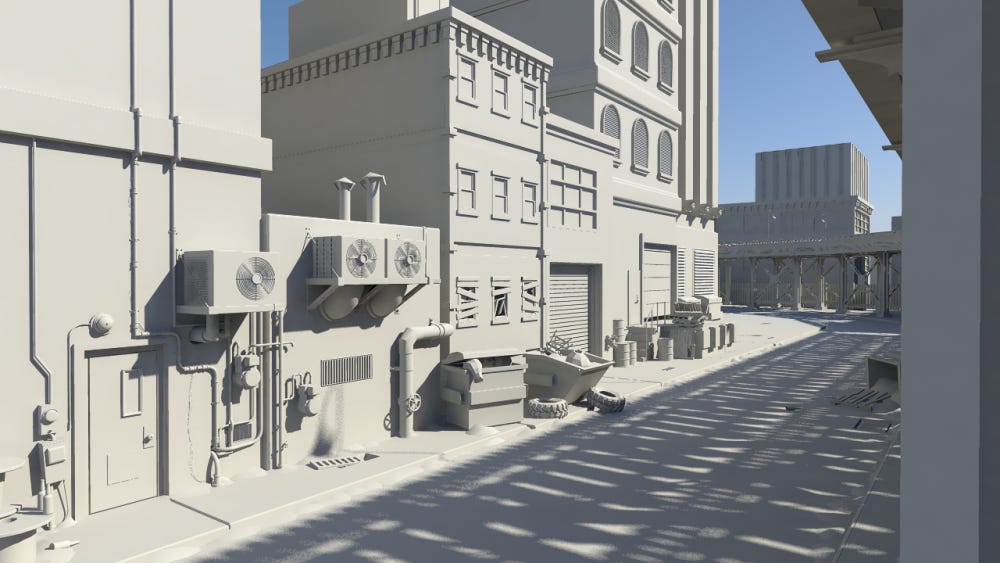
Where imagination becomes innovation.
Fractyl3D empowers students and teachers with intuitive CAD software to design interactive 3D models and scenes, fostering creativity and immersive learning in every classroom.
What is Fractyl3D ?
Fractyl3D by STEAM IC is a free, browser‑based 3D creation platform built for classrooms, students, and teachers. With full Classroom Mode tools for educators and intuitive creation tools for students, Fractyl3D makes 3D learning accessible on any device and helps students build critical‑thinking and problem‑solving skills through curriculum‑aligned challenges that mirror real‑world planning and design tasks.
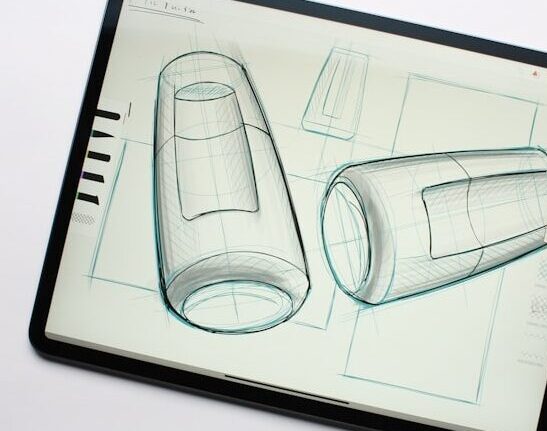
Modern Tools for Modern Classrooms
Transform your classroom into a dynamic, interactive 3D learning environment where complex ideas become visual, collaborative, and engaging.
Fractyl3D gives educators powerful tools to guide students through real‑world challenges, spark creativity, and bring curriculum concepts to life
with clarity and impact.

Classroom Mode
Structure lessons, assign tasks, track progress, and run curriculum‑aligned 3D challenges with ease.

Interactive Presentations
Turn student models into immersive, step‑by‑step visual demonstrations that deepen understanding.

Collaborative Learning
Enable shared projects where teachers and students design, review, and innovate together in real time.
For Students & Creators
Unlock your creativity and bring ideas to life with tools built for exploration, collaboration, and real‑world problem solving.
Fractyl3D empowers students to design, innovate, and confidently showcase their work through interactive 3D presentations.
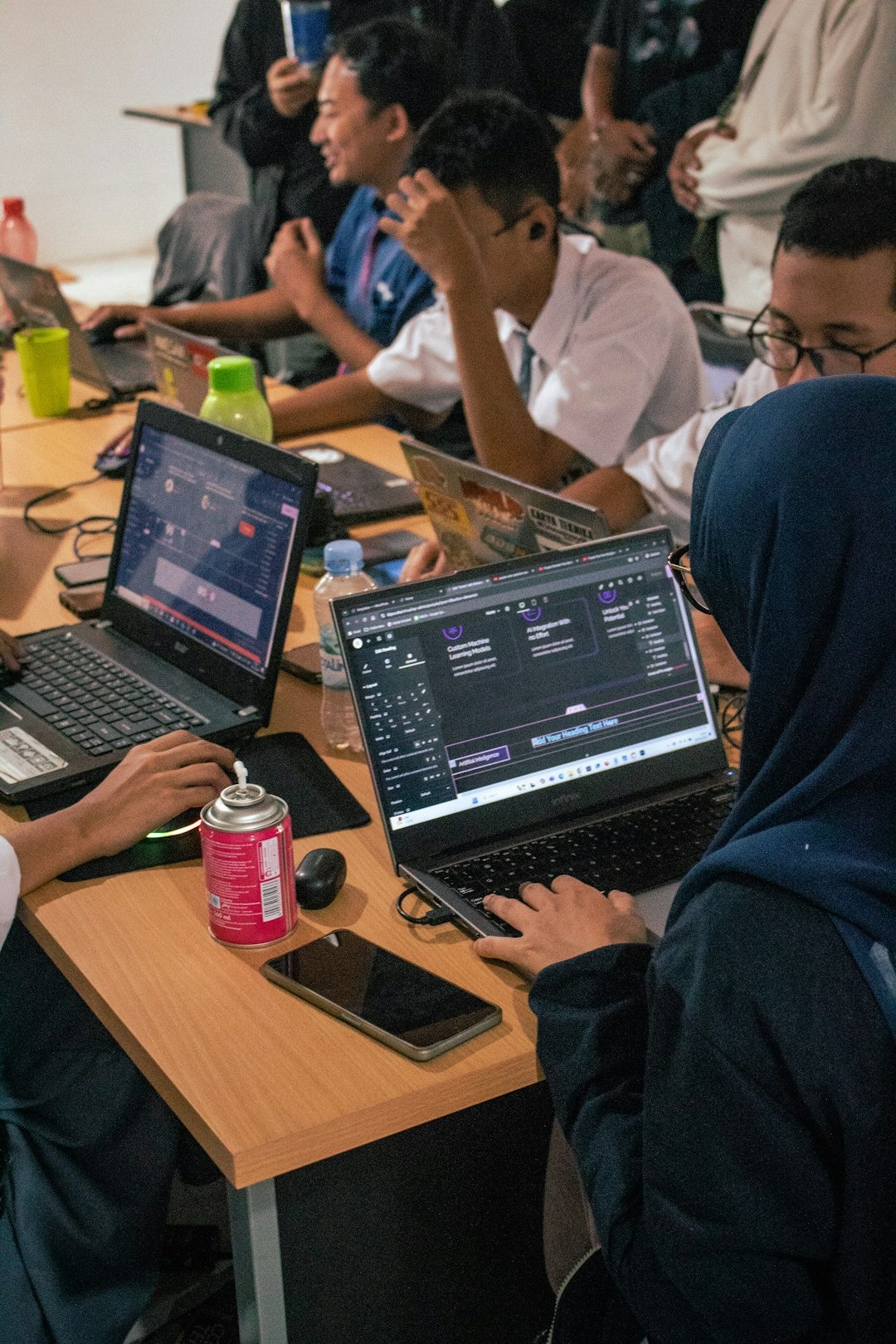

Create Freely
Build 3D scenes, diagrams, and prototypes using intuitive tools and presets designed for all skill levels.

Collaborate Anywhere
Work together in real time with classmates, sharing ideas and solving challenges that mirror real‑world projects.

Present with Impact
Turn your models into interactive slides to showcase ideas visually and confidently.
Discover Fractyl 3D’s Core Features
Fractyl 3D includes an extensive set of capabilities designed to help students create without limits,
collaborate from anywhere, and learn through problem‑solving.
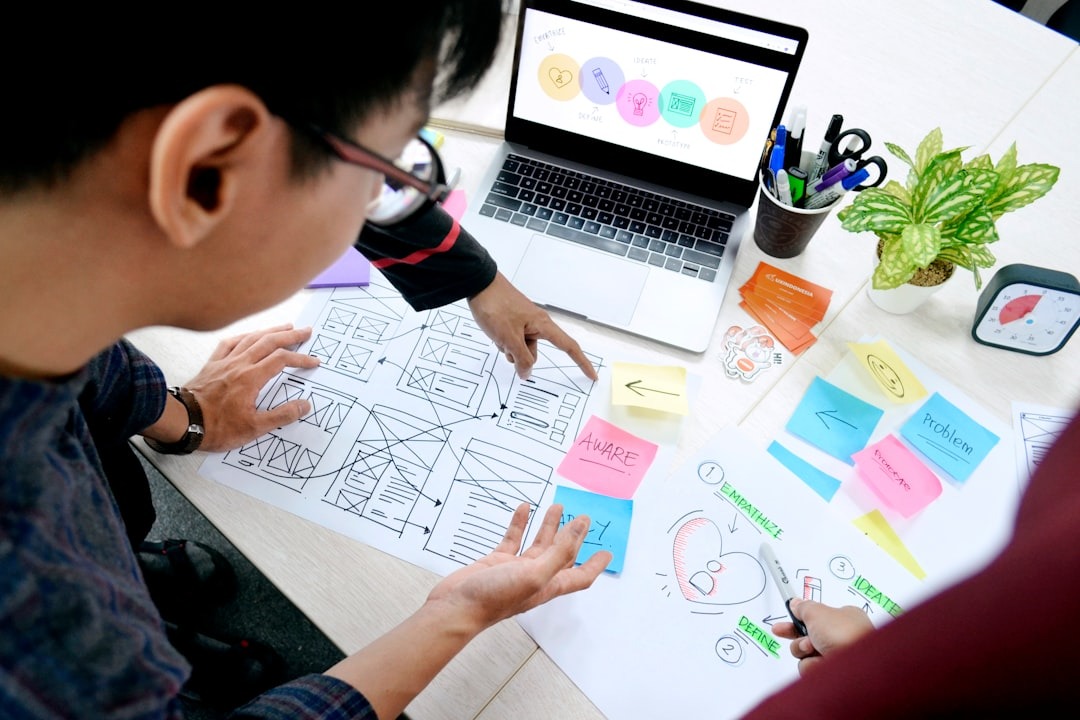
Creation & Design
Fractyl 3D gives students and creators full freedom to design, model, and present their ideas in 3D, all directly in the browser.

Real‑time 3D modeling and editing
Object library with ready‑made components
Vertex and edge tools for detailed modeling
Material and lighting presets for instant scene enhancement

Classroom & Learning
Fractyl 3D empowers educators to integrate 3D modeling into STEM learning with real‑world applications.
Teacher dashboards for managing classes
Create custom rubrics and provide structured feedback
Students turn 3D scenes into slide‑style presentations
Sample real‑world problem‑solving assignments

Collaboration & Accessibility
Built for teamwork and inclusivity, Fractyl 3D ensures everyone can create and share from anywhere.
Anonymous username system for student privacy
Works on all devices’ browsers
Live collaboration across devices
Cloud‑based saving and syncing
Group creation and assignment tracking